
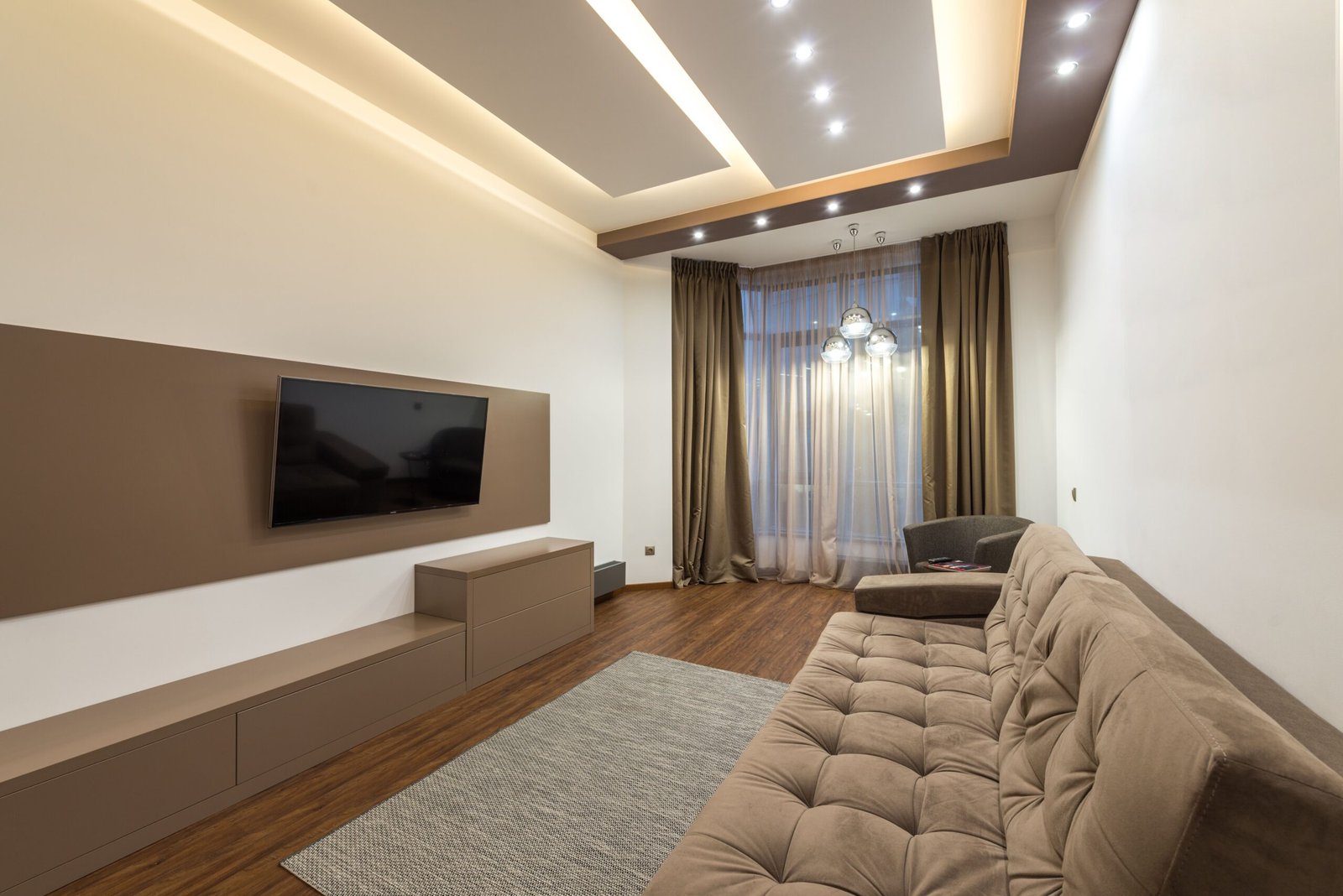
Before buying anything, there’s a question worth answering honestly: do you actually need a new TV, or do you need a streaming stick? A huge number of rentals come with an older, perfectly functional non-smart TV that just lacks apps — and a $49 streaming stick solves that completely, at a fraction of the cost of a new TV.
Here’s a genuine comparison across both categories, so you can match the purchase to what you’re actually missing.
If You Already Have a Working TV: Streaming Sticks
Amazon Fire TV Stick HD [2026] The current entry-level option — full HD streaming, Alexa Voice Remote, and access to all the major apps (Netflix, Prime Video, Disney+, Stan, BINGE, and more).
Best for: Any rental with an older TV that has an HDMI port but no built-in apps — which covers most non-smart TVs from the last 10–15 years. This single purchase turns a “dumb” TV into a fully functional streaming setup.
Amazon Fire TV Stick 4K Max [2024] A meaningful step up — genuine 4K Ultra HD output, a faster processor for quicker app loading, Wi-Fi 6E support, and double the storage of the HD model.
Best for: Anyone whose existing TV actually supports 4K but is running an outdated or clunky smart TV interface — common with older “smart” TVs whose built-in app support has aged badly even though the screen itself is fine.
If You Genuinely Need a New TV: Budget Smart TVs
Hisense 32″ A4SAU HD Smart TV [2026] A small-format smart TV with built-in streaming apps — no stick required, genuinely plug-and-play.
View product — The Good Guys (Browse the current 32″ smart TV range at this link — stock and specific models shift regularly at this price point, so check what’s currently listed rather than relying on a single fixed SKU.)
Best for: A bedroom or small living space in a share house — 32″ is the right scale for viewing distances under about 2–2.5 metres, which suits most rental bedrooms.
TCL 32″ S5K Smart QLED Android TV [2025] A close alternative to the Hisense above, running Android TV rather than a proprietary smart platform — worth comparing if you have a preference for one ecosystem over the other (Android TV generally has a broader app selection).
View product — Betta Home Living
Best for: Someone who already uses Android/Google services elsewhere and wants a consistent experience across devices.
Samsung 40″ Q5F QLED Full HD Smart TV [2026] The step-up pick on this list — QLED panel technology for noticeably better colour and contrast than standard LED at a similar size, still in genuinely budget territory for a 40″ screen.
View product — Samsung Australia
Best for: A main living room where the TV is the household’s primary entertainment screen and picture quality actually matters, but a premium-size TV isn’t needed or doesn’t fit the space.
How to Actually Decide
Ask these in order:
- Does your current TV turn on and display a picture properly? If yes, you almost certainly don’t need a new TV — go straight to a streaming stick.
- Does it have at least one working HDMI port? Nearly all TVs from the past 15+ years do. If yes, a streaming stick plugs in directly.
- Is the complaint really “no apps,” or is the picture itself bad (dim, small, low resolution)? Only in the second case does a new TV make sense.
- If buying new, what’s the actual viewing distance? Oversizing a TV for a small rental room is a common and avoidable overspend — 32″ suits most bedrooms, 40″ suits a modest living room.
A Practical Buying Checklist
- Confirm whether your existing TV has a working HDMI port before assuming you need a new one
- If buying a streaming stick, check your home wifi speed supports the resolution you want (4K streaming needs a meaningfully faster connection than HD)
- If buying a new TV, measure your actual viewing distance before choosing a screen size
- Check current stock and pricing at the category links above, since budget TV ranges turn over models frequently
The Bottom Line
For most renters, the real fix isn’t a new TV — it’s a $49–$79 streaming stick plugged into a TV that already works fine. Save the new-TV budget for situations where the screen itself is genuinely the problem, not just the lack of built-in apps.
Streaming stick or new TV — which did you end up needing in your own rental? Share what worked in the comments.